

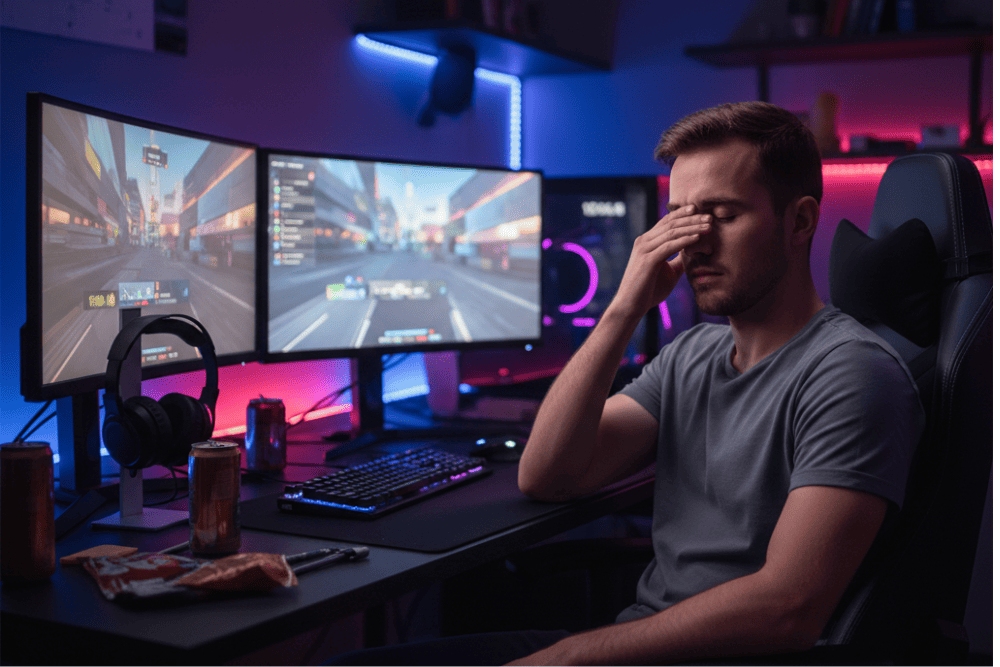
Do you often experience eye strain while gaming? Do you find yourself rubbing your eyes and getting a headache after a long gaming session? If so, you’re not alone because many gamers face this problem.
However, the good news is that there are ways to avoid eye strain while gaming and enjoy your favorite games without any discomfort. Today, in this article, I will discuss some tips that can help you prevent eye strain while gaming.
Why Does Eye Strain Occur While Gaming?
Let’s first understand why eye strain occurs while gaming. When you play video games for a long time, your eyes have to look at the same spot the whole time. This can cause the muscles in your eyes to become tired and lead to eye strain.
The flashing lights from screens can also cause discomfort in your eyes. Also, the blue light emitted from screens can disrupt your sleep patterns and cause fatigue in your eyes. Finally, the constant focus on fast-moving images and bright colors can also contribute to eye strain.
Tips to Avoid Eye Strain While Gaming?
You can take several steps to prevent eye strain while gaming. Here I’m talking about some most useful steps you can follow.
Take Breaks
The simplest way to prevent eye strain while gaming is to take breaks. Taking short breaks often helps your eyes relax and feel better.
An easy trick is to look away from your screen every 20 minutes. Try to focus on something far away for about 20 seconds.
This quick exercise helps relax your eye muscles and reduce tiredness. Setting a timer or alarm can remind you to take these breaks, especially during long gaming sessions.
Adjust Your Lighting
Proper lighting in your gaming room can make a big difference. Playing games in a room that is too dim or too bright can put extra strain on your eyes. Instead, try to keep the lighting soft and even.
Avoid direct light hitting your screen or shining into your eyes. You can use curtains to control sunlight during the day or add a lamp behind your monitor for gentle background light. This setup, called bias lighting, is very helpful for reducing eye strain.
Position Your Screen the Right Way
The placement of your monitor also affects your comfort. Keep your screen at arm’s length and make sure the top of the screen is at or just below eye level. This way, you won’t have to look up or down for long periods, which helps lessen the load on your eyes.
Adjust Game Display Settings
Have you checked your screen settings lately? Lower the brightness of your monitors to match the light in your room so it isn’t too harsh. You can also turn on the “Night Light” or “Blue Light Filter” feature if your computer or console has that option.
These filters reduce the amount of blue light from your screen, which can help prevent eye strain and make gaming more comfortable, especially at night. You can also adjust the contrast and sharpness of your display to your liking.
Use Artificial Tears
Eyes can become dry and irritated when you forget to blink during intense gaming. Using eye drops, like artificial tears, helps keep your eyes from feeling dry while you play. Always choose products that are safe for regular use, and if you have any doubts, ask your doctor.
Not only will this help prevent eye strain, but it can also improve your overall gaming experience by keeping your eyes comfortable and focused. So, don’t forget to keep a bottle of artificial tears nearby while gaming.
Blink More Often
This might sound simple, but remembering to blink helps keep your eyes refreshed. When you focus hard on the game, you might blink less than normal. So, remind yourself to blink more often to avoid dryness and redness.
Setting Up a Comfortable Gaming Space
Besides taking care of your eyes, your gaming environment plays an important role in preventing eye strain. Some Ideas to set up your space:
- Choose a comfortable chair to keep yourself at eye level with your screen.
- Keep your desk tidy so you don’t have to squint or move awkwardly to see your monitor.
- Keep drinks and snacks handy so you remember to take breaks for hydration and meals.
Monitor and Device Tips
When it comes to avoiding eye strain while gaming, the type of screen you use matters a lot. Monitors with higher refresh rates and lower response times are easier on your eyes. Consider upgrading to a screen with flicker-free technology and an anti-glare coating if you can.
Here are a few more suggestions:
- Clean your screens regularly to keep images sharp and clear.
- Increase text size or game HUD if you find yourself squinting.
- Use larger displays if you have trouble reading small text.
Wear Gaming Glasses
Special glasses designed for screen use can be very helpful. These glasses filter out blue light and reduce glare, making it much easier to focus during long sessions. Many gamers find that these glasses help reduce eye strain.
Stay Hydrated and Sleep Well
Eye health is not just about what you do while gaming. Drinking water throughout the day keeps your eyes fresh and comfortable. Also, getting enough sleep gives your eyes time to recover from screen exposure.
Try these healthy habits:
- Take a break from all screens before bed to help your eyes wind down.
- Keep some water close and remember to drink often while you play.
Listen to Your Eyes
Noticing the first signs of irritation or fatigue helps you act before eye strain gets worse. Common signs include burning, dryness, blurry vision, or headaches. If you feel any of these symptoms, take a longer break, splash your face with cool water, or close your eyes for a few minutes. It’s also important to have regular eye exams to catch any potential vision problems early on.
Frequently Asked Questions
How long should I play video games before taking a break?
Take a quick break every 20 to 30 minutes while playing. Even stopping for a minute or two can really help your eyes feel better.
Does blue light from screens really hurt my eyes?
Blue light can increase eye strain and may affect your sleep. Using blue light filters or taking regular breaks can help alleviate any potential effects.
Is it okay to game in the dark?
Gaming in the dark can make your eyes work harder and cause strain. It’s better to use gentle background lighting instead.
Will eye drops help with gaming eye strain?
Lubricating eye drops help if your eyes feel dry, but taking breaks and adjusting your setup are also important.
What is the best monitor brightness for gaming?
The best brightness for your monitor depends on what feels comfortable to your eyes and how bright your room is. However, a general rule of thumb is to keep your monitor’s brightness at around 120 cd/m² (candelas per square meter) or lower. This can help reduce eye strain and prevent glare from overly bright screens.
Conclusion
While gaming can provide hours of entertainment and excitement, it’s important to prioritize your eye health. By taking regular breaks, adjusting your setup, and following these helpful tips, you can keep your eyes healthy and focused on the game.
If your symptoms continue, don’t hesitate to talk to an eye care professional for advice. Remember to always prioritize your eye health while gaming for a better and more enjoyable gaming experience.
