

Are you someone who wants to learn about how computers work? Do you want to gain a better understanding of the technology that has become an integral part of our daily lives? Computers may seem like complex machines if you’re not familiar with them.
However, with a little bit of knowledge and guidance, you can understand the basics of how computers work. That’s why I’ll provide you with a comprehensive guide on how computers work for beginners. By the end of this guide, you’ll have a better understanding of the fundamental concepts and components that make up a computer.
Introduction to Computers
Computers are electronic devices that can perform various tasks by following a set of instructions, known as programs. They are composed of hardware and software components that work together to process, store, and transmit information.
What Are the Main Parts of a Computer?
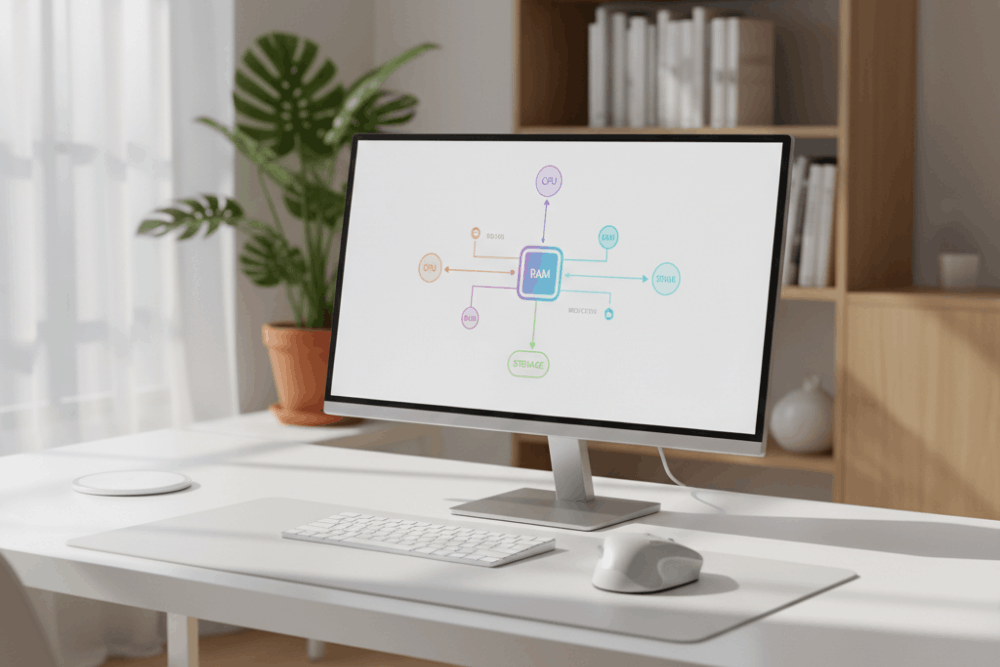
To understand how computers work for beginners, it’s helpful to know about the main parts that make up a computer. Whether you are looking at a desktop or a laptop, most computers have similar basic components:
- Central Processing Unit (CPU): The CPU acts as the main control center of the computer, handling all the instructions and important tasks that keep everything running smoothly. It carries out instructions and does the actual computing.
- Memory (RAM): Random Access Memory (RAM) is where your computer stores data it is using right now. More RAM means your computer can work with more programs at once.
- Storage (HDD/SSD): Hard drives (HDD) or solid-state drives (SSD) provide a place to save your files and programs long-term.
- Motherboard: This is the main circuit board where all the other parts connect.
- Input Devices: These include your keyboard and mouse—the tools you use to tell the computer what to do.
- Output Devices: Monitors and printers show you information or let you take your work with you.
Knowing these essential components is a big step in learning how computers work for beginners.
How Do Computers Process Information?
Let’s break things down step by step, so they’re easier to understand. Computers work by following a cycle:
- Input: When you press a key or click with a mouse, you’re giving input. Input devices send this information to the computer.
- Processing: Next, the CPU processes this input, following instructions from programs to decide what should happen.
- Output: The computer then sends output to devices like the monitor, speakers, or printer, so you can see or hear results.
- Storage: If you want to save your work, the information goes to storage, like your hard drive or cloud storage.
This simple cycle shows how computers work for beginners in everyday use.
Hardware vs. Software
It’s also important to know the difference between hardware and software.
- Hardware is everything you can touch, like the screen, keyboard, or the inside parts of your computer.
- Software is the set of programs and instructions that tell the hardware what to do. Examples include the operating system (like Windows or macOS), web browsers, and games.
So, when learning how computers work for beginners, keep in mind you need both hardware and software to get things done.
The Operating System
The operating system (OS) is key to how computers work for beginners. Operating system is the main program that controls and manages everything on your computer. The OS helps you interact with your computer and runs other programs. Some common operating systems are:
- Windows
- macOS
- Linux
- Chrome OS
The OS provides a user-friendly way to open files, install apps, and set up your computer.
Common Computer Tasks Explained
Many beginners wonder about the typical things computers can do. Here are some examples and how computers work for beginners in these cases:
- Browsing the Internet: The computer uses a web browser (like Chrome or Edge) to show websites. Your clicks and typing are sent as input, and the browser then displays information as output on the screen.
- Writing a Document: Programs like Microsoft Word let you type and edit text. The keyboard sends input, and the monitor and printer give you output.
- Playing Music or Videos: Media players use software to read files, and your speakers or earphones provide the sound as output.
- Saving and Retrieving Files: When you save a photo or document, the computer stores it on the hard drive. You can open it later—and this is how computers work for beginners to keep your information safe.
How Do Programs Work?
A program is a collection of instructions that guide the computer on how to perform specific tasks.. When you double-click an icon to start a game or a tool, your operating system reads the program and passes instructions to the CPU. The CPU processes each step, and you see the output on your screen or speakers.
These programs are written in programming languages, but as a beginner, all you need to know is that running a program means the computer is following step-by-step directions.
Understanding Computer Networks
You’ve probably heard about Wi-Fi, the internet, or networks. But how do computers work for beginners when it comes to connecting with others? Here’s what you need to know:
- A network connects computers so they can share information.
- The Internet is the largest network, connecting computers all over the world.
- Wired or wireless: You might use an Ethernet cable or Wi-Fi to connect to your network.
Networks make it possible to send emails, browse websites, and play online games.
Keeping Your Computer Safe
As you use your computer more and more, it is important to learn about basic safety. Here are some quick tips for how computers work for beginners, with safety in mind:
- Install antivirus software: This helps protect against harmful programs.
- Use strong passwords: Make passwords easy for you to remember, but hard for others to guess.
- Update your system: Update your operating system and programs regularly to ensure you have the latest security features.
- Be careful what you click: Avoid opening links or files from unknown sources.
Troubleshooting Simple Problems
Don’t worry if something goes wrong; even experts make mistakes. Here are easy steps for how computers work for beginners when you face problems:
- Restart your computer: Many small issues are fixed with a simple restart.
- Check cables and plugs: If something isn’t working, make sure everything is connected.
- Read error messages carefully: Sometimes, the computer will tell you what the problem is.
- Search online: Many people have had the same problem, and solutions are easy to find.
Conclusion
Learning how computers work is important for everyone today. Whether you are a student, worker, or just use a computer at home, knowing the basics helps you use it better and stay safe online.
By taking it step by step and starting with the basics, you’ll soon feel more comfortable with your computer. Remember the main parts, learn what the main buttons and programs do, and build your confidence by exploring new tasks.
With this knowledge, you can use a computer for all the everyday things you need. Whether that’s work, school, fun, or staying in touch with friends and family. And as you continue to use your computer, don’t be afraid to learn new things and experiment with different programs and tools.
Frequently Asked Questions
Is it hard to learn how computers work for beginners?
No! With some patience and curiosity, you can quickly learn the basics.
What is the most important thing to know first?
Start with understanding what the main parts do, like the CPU, memory, and storage. Then practice simple tasks.
Can I use a computer even if I don’t know everything?
Yes! You can use a computer for many things, even as you continue to learn.
Why do I need to update my computer?
Updates keep your computer safe and help programs run better.
